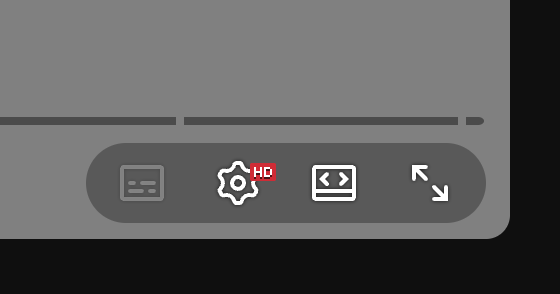
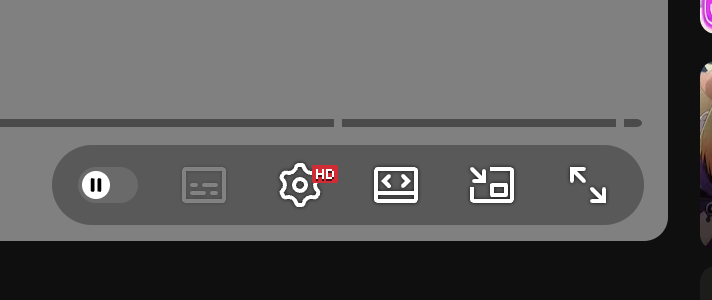
YouTube moved the miniplayer button out of the player controls and into a less discoverable menu. This extension restores the button to the bottom-right control cluster, where the interaction used to live.
Implementation details
The extension is a small Manifest V3 content script that runs on YouTube pages in the main world. It watches YouTube's single-page app lifecycle through navigation events, a MutationObserver, and a lightweight interval, then inserts the button only when the native control is not visible.
Activating the restored button uses a layered fallback strategy:
- Click a native miniplayer button if YouTube has rendered one somewhere else.
- Try known player methods such as
toggleMiniplayerorenterMiniplayer. - Dispatch the
ikeyboard shortcut. - As a final fallback, open the player context menu and click the miniplayer menu item.
That makes the extension resilient to YouTube's markup changes while keeping the permission surface small: it only targets YouTube and injects one content script plus CSS.